NEXA IPTV APPS
Eight app routes. One cleaner setup page.
Browse the Stream Buzz app builds currently used for Firestick and Android setups, including downloader codes and direct links.
DEVICE DIRECTORY
Start with the screen in front of you.
Pick your device first, then choose the app interface you prefer. Every app and link can be changed later from Admin.
Android TV
Fire TV
iPhone / iPad
Android Mobile
Windows / macOS
PREMIUM APP LIBRARY
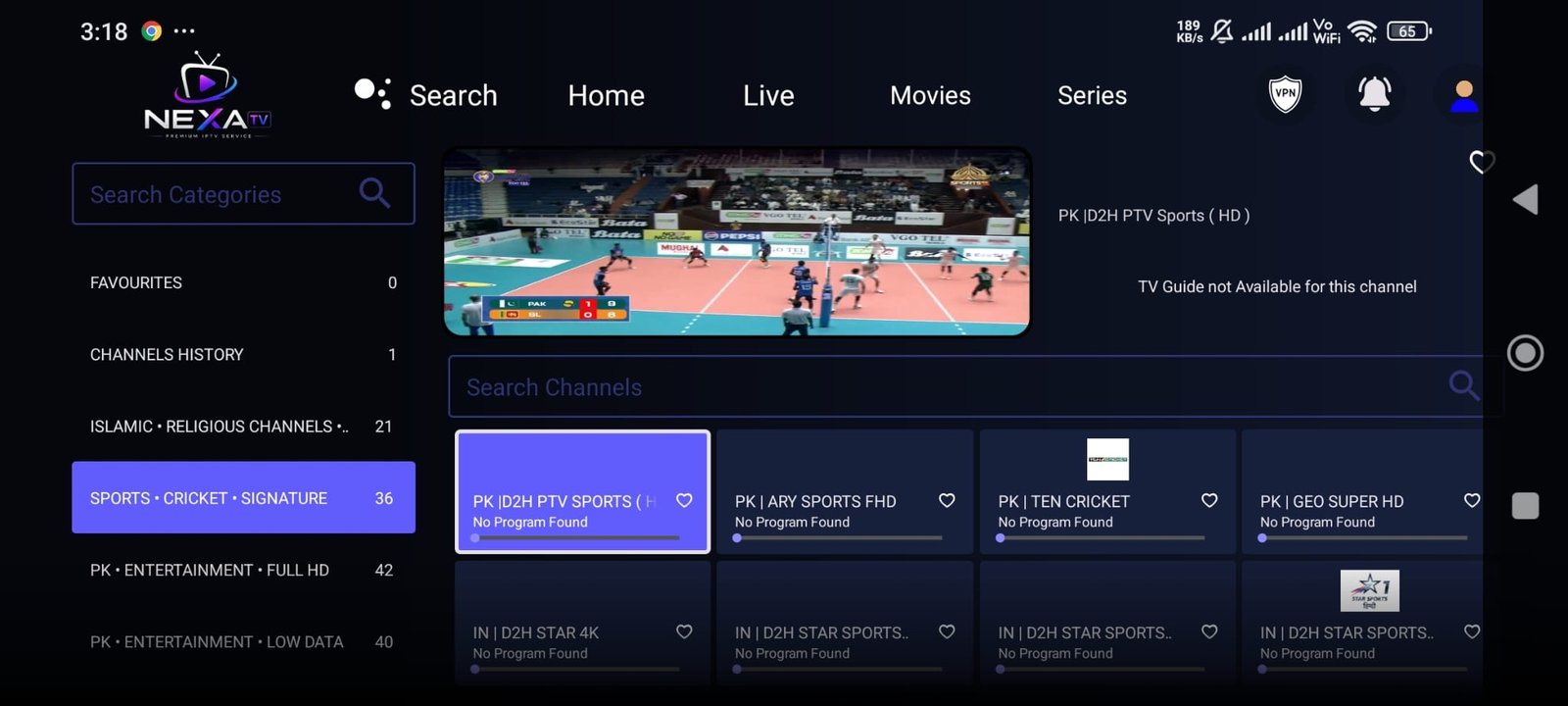
All 1 builds, codes and direct links.
Every app below is editable from Admin: screenshot, title, code, direct link, mirror link, feature labels, guide and YouTube tutorial.
01INSTALLATION GUIDE
Five steps from Downloader to your home screen.
Firestick and Android devices can use a downloader code or direct link. Interface wording can vary by device.
Install Downloader
On Fire TV, install the Downloader app. Android users can use a browser or a compatible downloader utility.
Choose your app
Pick one of the app builds above and note its downloader code or direct link.
Enter code or link
Open Downloader and enter the numeric code, or paste the direct URL shown on the app entry.
Allow installation
If Android asks for permission, allow installation from the app you are using for the download.
Open and sign in
Launch the installed player and enter the access details supplied with your subscription.
QUICK REFERENCE
All downloader codes at a glance.
Useful when the TV is in front of you and you only need the code.
Nexa Smarters Pro Version4570628
TV-FIRST EXPERIENCE
Designed to feel at home on a big screen.
MOBILE
Take your library with you.
Compatible mobile apps create another route to your subscription when you are away from the main television.
DESKTOP
Another screen when you need it.
Supported desktop players can provide a practical viewing option on Windows or macOS.
NEED THE RIGHT APP?
Tell us your device. We’ll point you the right way.
Send the exact TV, box, phone or computer model on WhatsApp and ask which build fits your setup.
Ask for my device ↗