Your device
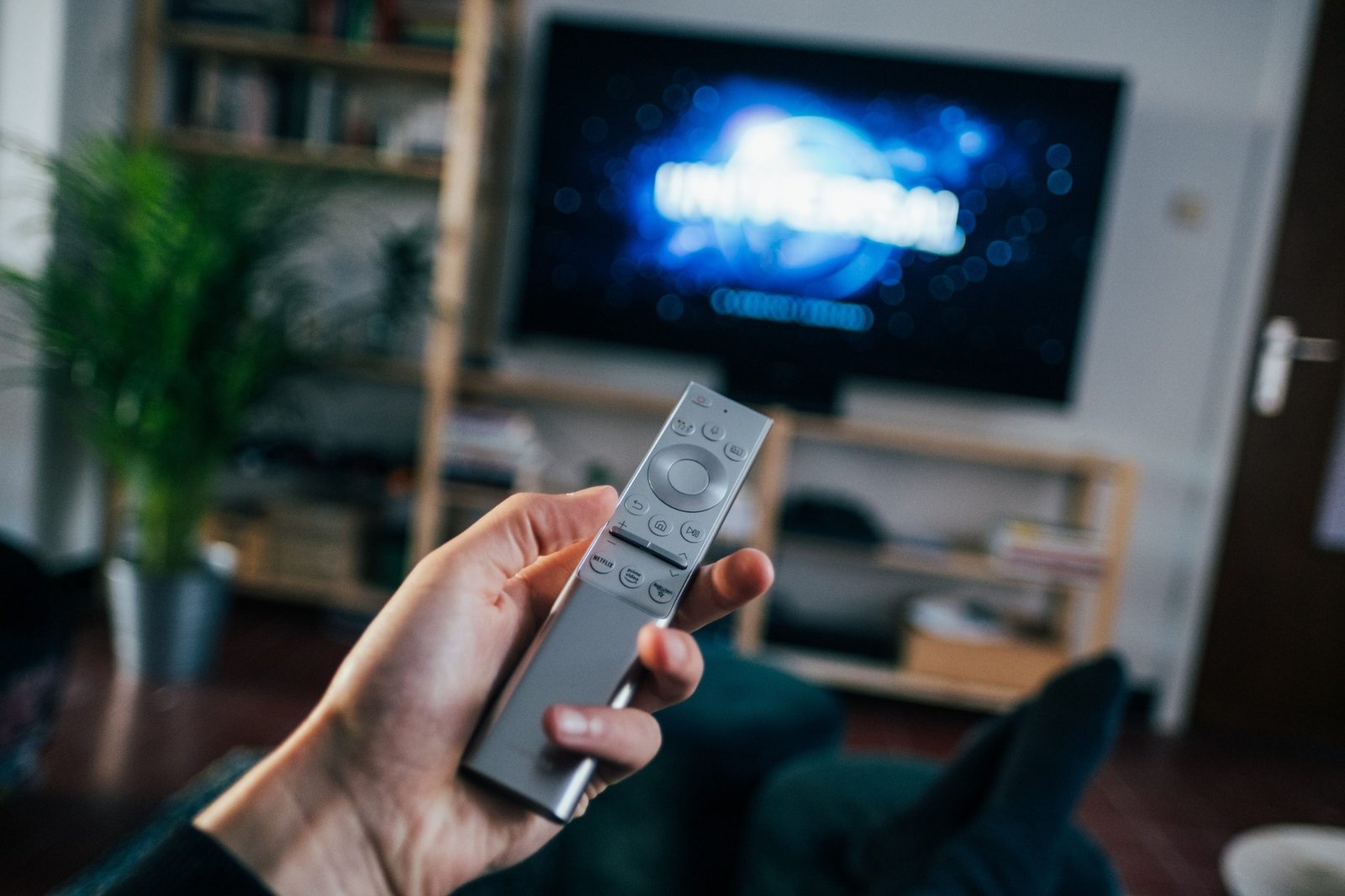
Samsung TV, LG TV, Android TV, Fire TV, mobile, PC or another supported screen.
Plans, device setup, reseller access or support — tell us what you need and we will help you start in the right place.
Each route opens the same direct support channel with the right context already included.
Ask about current durations, connection count and activation details.
Discuss plans ↗ 02 / SETUPSend the exact TV, box, phone or device name and get a compatible route.
Get setup help ↗ 03 / RESELLERAsk for current credits, package rules and activation requirements.
Talk reseller ↗ 04 / APPSBrowse app builds, downloader codes, links and device guidance first.
Open Apps →
Samsung TV, LG TV, Android TV, Fire TV, mobile, PC or another supported screen.
New subscription, setup help, reseller access, renewal or troubleshooting.
If you already know the duration and connection count, include it in the first message.
For setup issues, a clear screenshot of the app or error can make the answer faster.
We keep the conversation focused on the plan, device or reseller workflow you are actually trying to use.
Contact and WhatsApp stay connected, so you do not need to repeat the same request across multiple channels.
We start with the device and player you use rather than giving generic installation steps.
Credit rates, activation requirements and current package information can be discussed in one place.
Our About page explains the service approach, setup philosophy and reseller workflow separately from support.
 Chat
Chat